


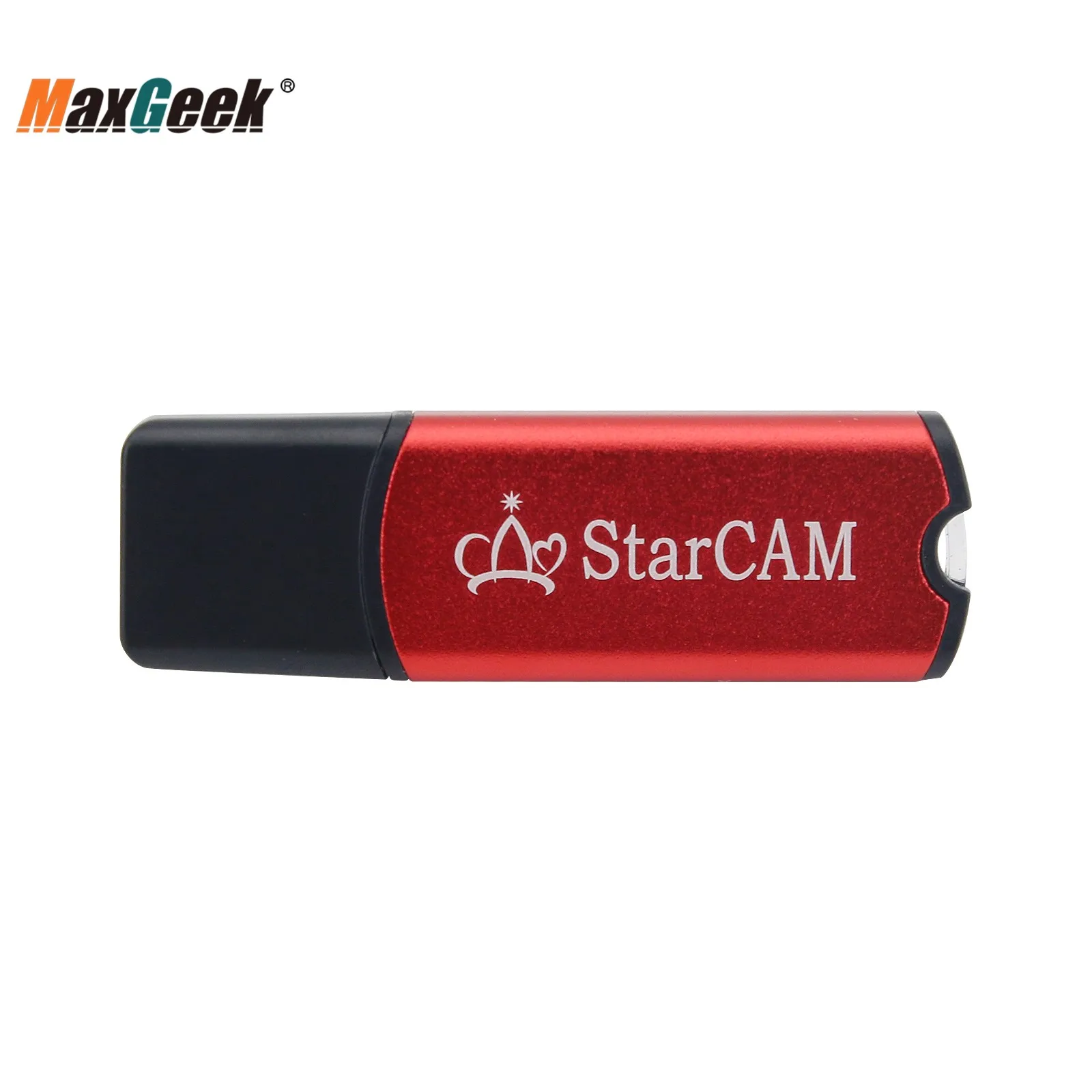
Maxgeek StarCAM Nesting Programming Nesting Software CNC Flame Plasma Cutting Machine Software
Maxgeek StarCAM Nesting Programming Nesting Software CNC Flame Plasma Cutting Machine Software
SPECIFICATIONS
Application: Lathe and Turning Center
Brand Name: MAXGEEK
Certification: CE
High-concerned chemical: none
Is Smart Device: Yes
Model Number: STARCAM
Origin: Mainland China
S: 75891
Maxgeek StarCAM Nesting Programming Nesting Software CNC Flame Plasma Cutting Machine Software
Download Software Installation File:
http://www.starfcnc.com/Upload/StarCAM%20V4.7%20Setup.exe
Description:
It consists of drawing module (StarCAM), nesting module (StarCUT), and numerical control code simulation module (StarTEST). Each module can run independently or call each other. It supports CNC programming of various CNC cutting control machines.
The drawing module can complete the graphics drawing, editing, scaling, copying, arraying, rotation and other operations of cutting parts; support the import, edit and export operations of CAD graphics files in other formats (such as CAM, DXF, DWG and IGES), and support user library management; and can optimize CAD graphics. The machining codes required for cutting paths and CNC machining can be generated for parts.
The nesting module can complete the batch nesting of multiple parts on a rectangular plate or a remaining material plate, support short-line connection, co-edge and bridge technology, reduce the number of perforations and improve the utilization rate of the plate. It has high speed and high efficiency, and supports manual nesting, matrix nesting, interactive nesting and residual nesting, and can quickly generate the CNC codes required by a variety of CNC cutting equipment.
The simulation module can perform computer graphics simulation on the NC codes generated by the above two modules, and can run single-step and step-by-step tracking. It supports the editing and modification of NC codes during the simulation process, verifies the correctness and rationality of NC codes, and improves production efficiency. And the processing cost can be estimated.
Features:
- Automatic position collecting: In line with traditional drawing software, the control point acquisition function (midpoint, end point, quadrant point, intersection point, entity point, etc.) is added, which improves the operability of the software, drawing speed and interactivity
- Window ruler display: The added window ruler can directly reflect the size of parts and the size of sheets. The ruler can change dynamically with the zoom of the part, and users can intuitively see the size and coordinate position of the part
- Special display when entity is selected: Improve user recognizability. And added the outline zoom direction indication, which is convenient for users to choose
- Sharp corner transition processing after tool path compensation: to prevent contour line breakage, distortion and other problems that occur after tool path compensation in part graphics
- Support the import and editing of other graphic file formats: import, export and edit graphic format files such as for AUTOCAD and FASTCAM
- Intelligent trimming function: can quickly complete the trimming and deletion of graphic line segments and arcs. Simple and practical to use
- User gallery management. Users can add common parts classification to the user graphics library for later nesting use
- Automatic path setting: Using this function, the processing path, lead-in and lead-out lines of parts can be quickly generated, and the positions of lead-in and lead-out lines can be dynamically modified to reduce part interference and improve sheet utilization. Support compensation line display function, allowing users to see the compensation amount intuitively
- CAD clearing and CAD compression: CAD clearing function is used to clear redundant line segments and duplicate entities in CAD drawings. The CAD compression function can compress a large number of small line segments in the graphics file, reducing the number of entities and improving cutting efficiency
- The short-line continuous cutting function is added to the nesting module. When the lead-in and lead-out lines of each part are close to each other, the lead-out line of the previous part is directly and continuously cut to the lead-in line of the next part, without re-perforating, reducing the number of perforations
- The nesting module has added the function of full co-edge nesting. For a large number of parts with straight contours, the nesting is directly carried out according to the width of the slit, and only one cut is made at the common edge, which greatly reduces the number of perforations and cutting length
- The line drawing bridge function is added to the nesting module, and the bridge lines are used to connect the outlines of multiple parts into one outline, which reduces the number of perforations and effectively prolongs the life of cutting torque
- Generating residual material sheet and residual material nesting. The residual material plate file can be automatically generated for the processing residual material, so that users can insert the residual material plate for nesting in the subsequent cutting
- A control file modification tool has been added, and users can edit the NC code according to the code format of the control system used
- For Win10, Win8, Win7, XP; 32-bit, 64-bit operating systems
- STARCAM software is suitable for cutting of STARCAM sys
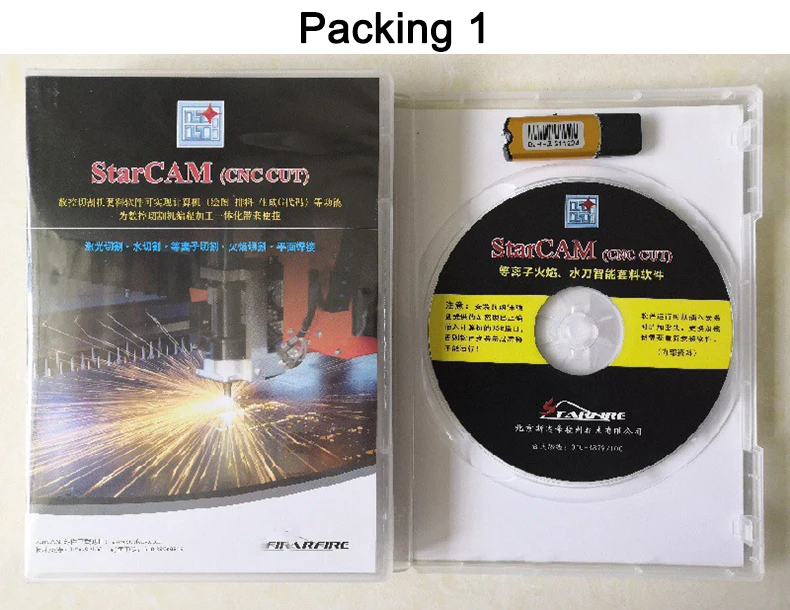
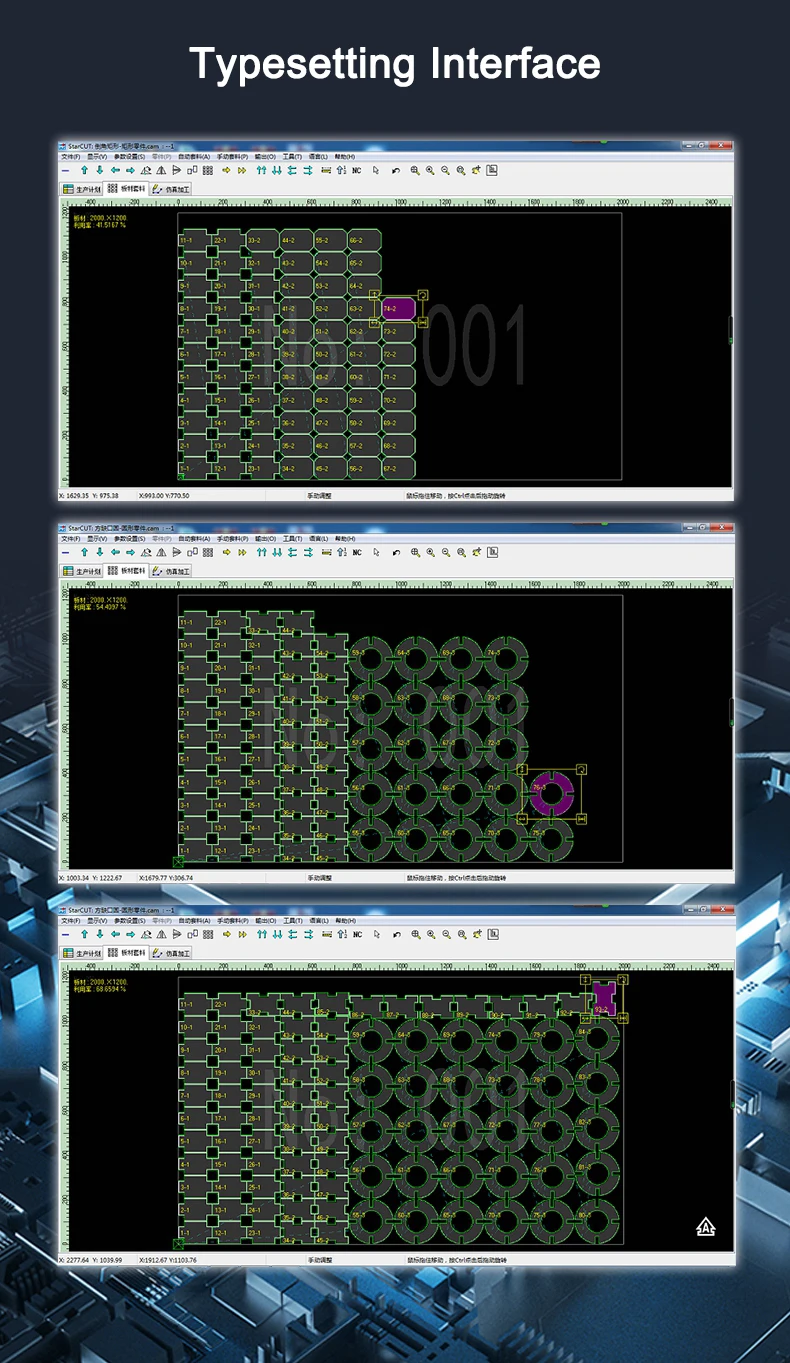
Product features
Product features
Materials and care
Materials and care
Merchandising tips
Merchandising tips


